

M&A
Mesta is the virtual data room for M&A, fundraising and audits. Bidders see their own name on every page they preview, and each download goes into the audit log.
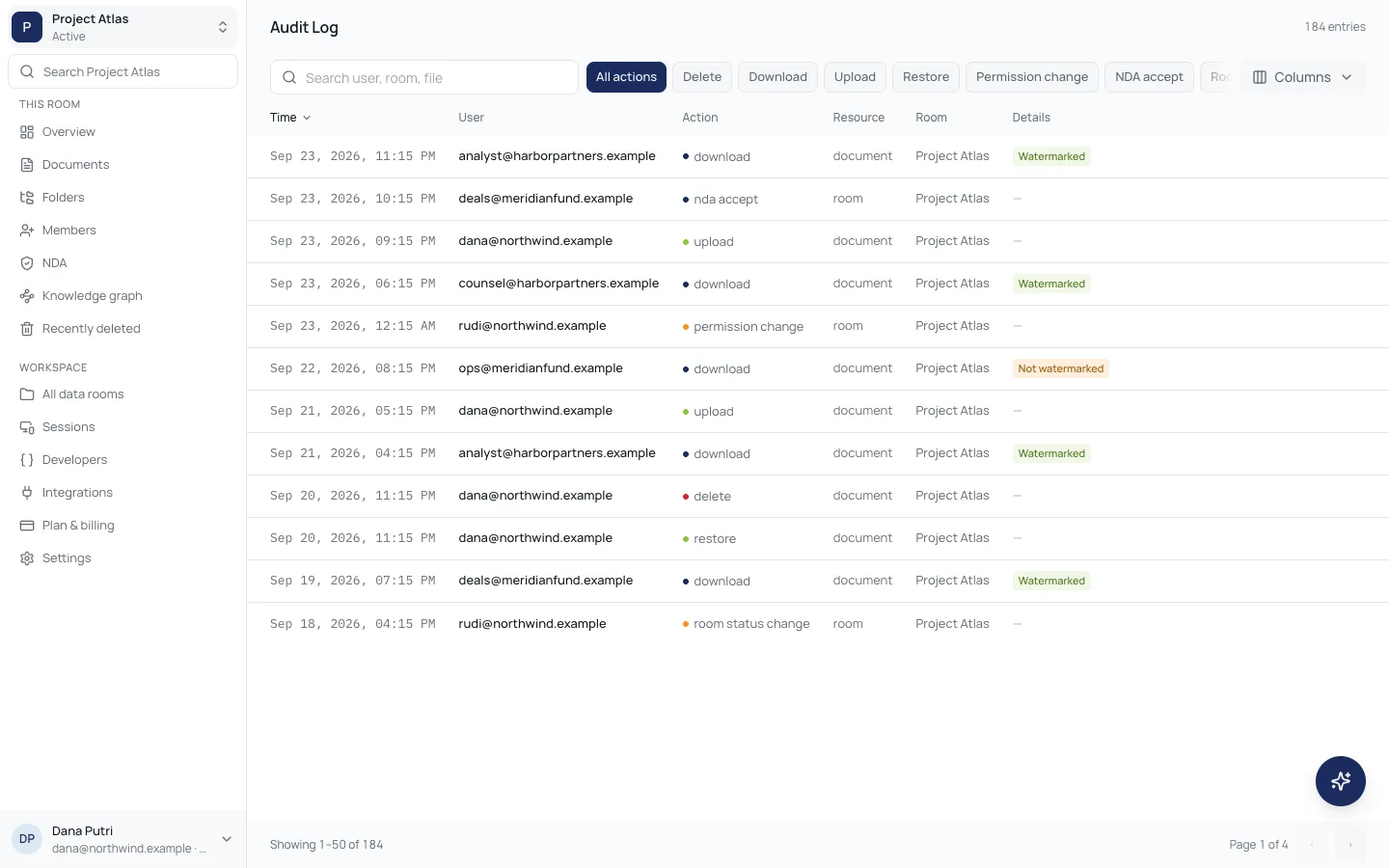 Every download, upload and permission change on the recordAudit log · Read more
Watermarked previews, a full audit log and zero AI data retention.
Mesta product suite
Folders, uploads and previews for every transaction. Open a room in minutes and fill it the way your deal runs.
From the first NDA to the final signature.
M&A
Fundraising
Audits
Legal
Developers
How it works
01
Sign up with your work email. You become the admin of a new organization, and every room you open belongs to it.
02
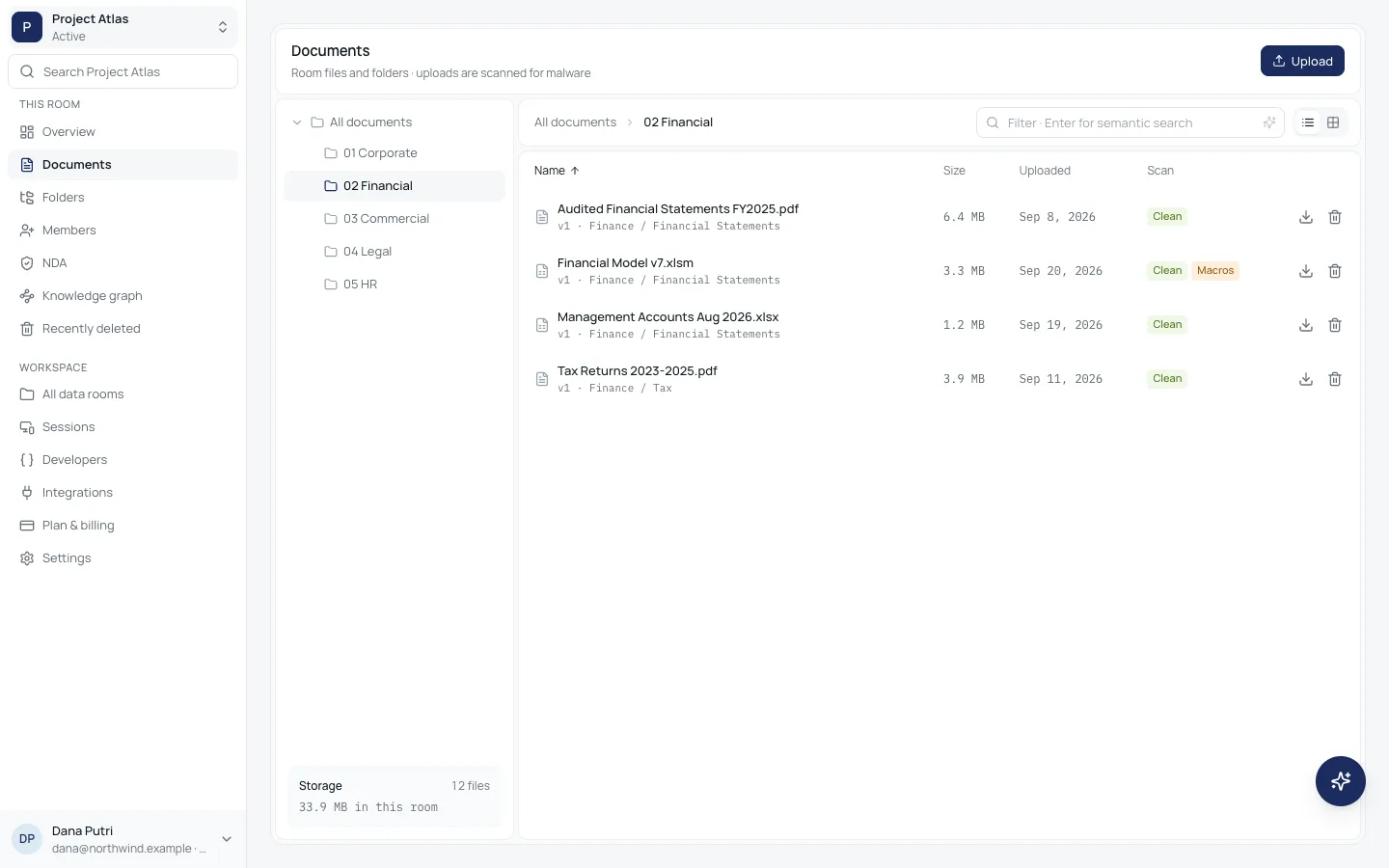
Add folders and upload documents up to 100 MB each. Every file is scanned for malware before anyone can open it.
03
Add advisers and bidders with view, download, upload or manage access, and require an NDA before any document opens.
04
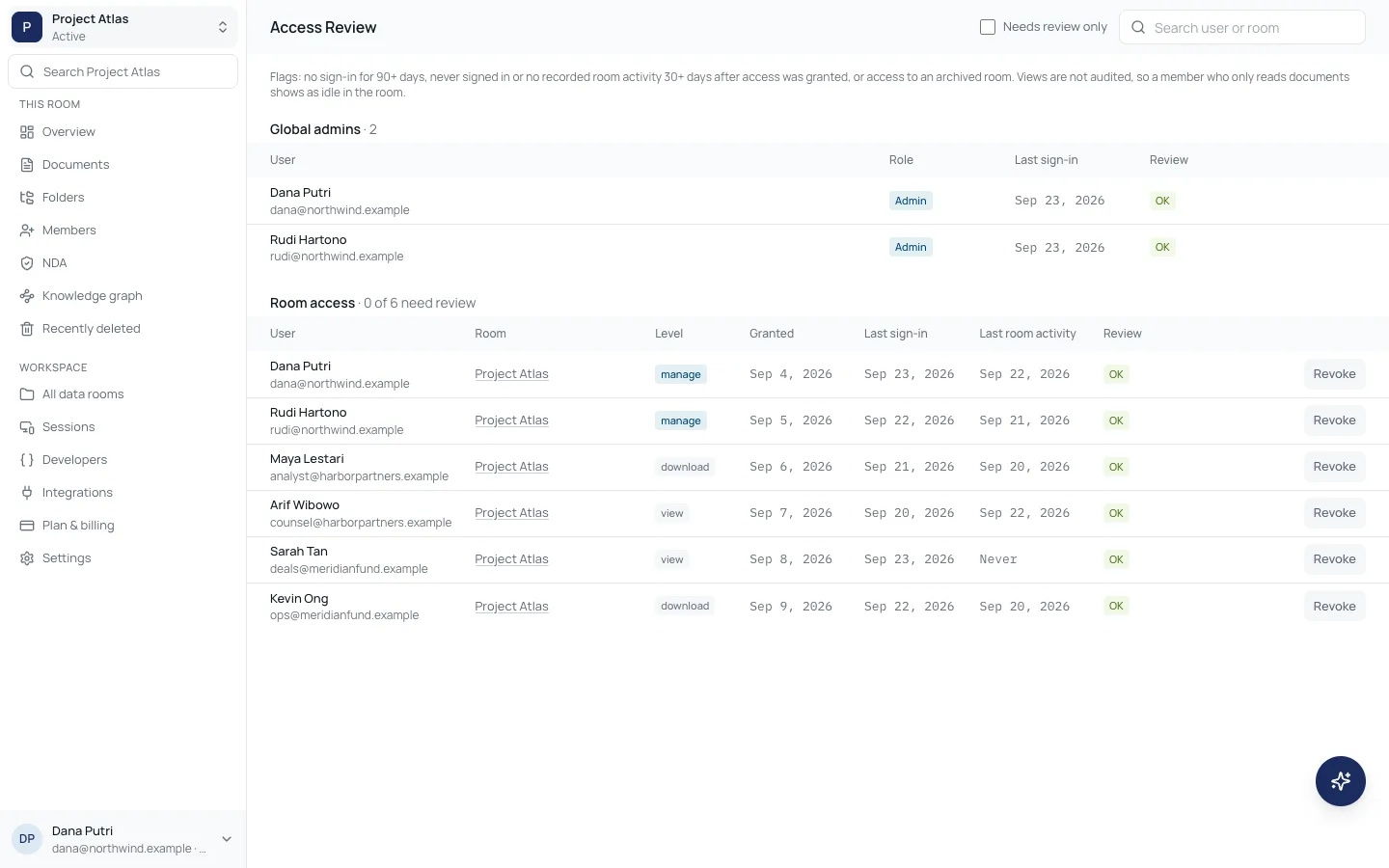
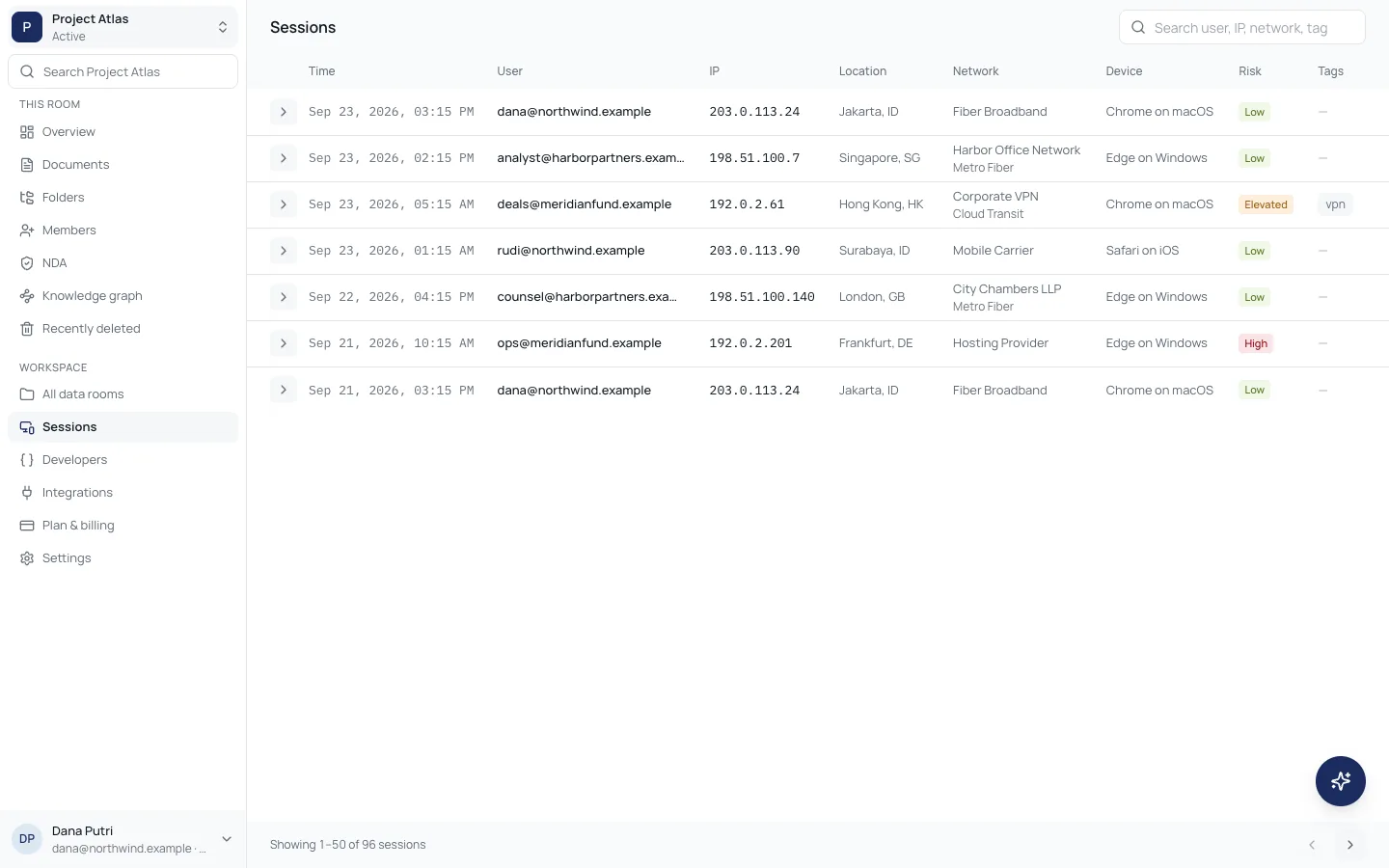
Downloads, uploads, deletions and permission changes land in the audit log, and access review shows who still needs access.
Straight answers about access, files and AI.
No. Unless someone manages the room, the member list shows only them and the seller’s team, so nobody can tell who else is looking.
Access
Ask the teamPreviews always are, with the viewer’s email, the time and the document id. PDF downloads are stamped the same way, so a leaked copy points back to its source.
Watermarks
Ask the teamIt stays in the room’s trash for 30 days, where it can be restored. After that it is removed for good and recorded in the destruction log.
Retention
Ask the teamNo. Indexing and assistant chats run with provider data collection denied and zero data retention, and only for people who accepted the AI terms.
Up to 100 MB per file. Executables and scripts are refused, and every upload is scanned for malware before anyone can open it.
Uploads
Ask the teamYes. Everyone signs in with their own account, which ties watermarks, sessions and the audit log to a real person. Guests only see the rooms they are invited to.
Accounts
Ask the teamDevelopers
The REST API, an MCP server and Agent Skills let your tools open rooms, upload files and pull the audit log, with keys scoped to what each integration needs.
Developer portal